Application Log Viewer
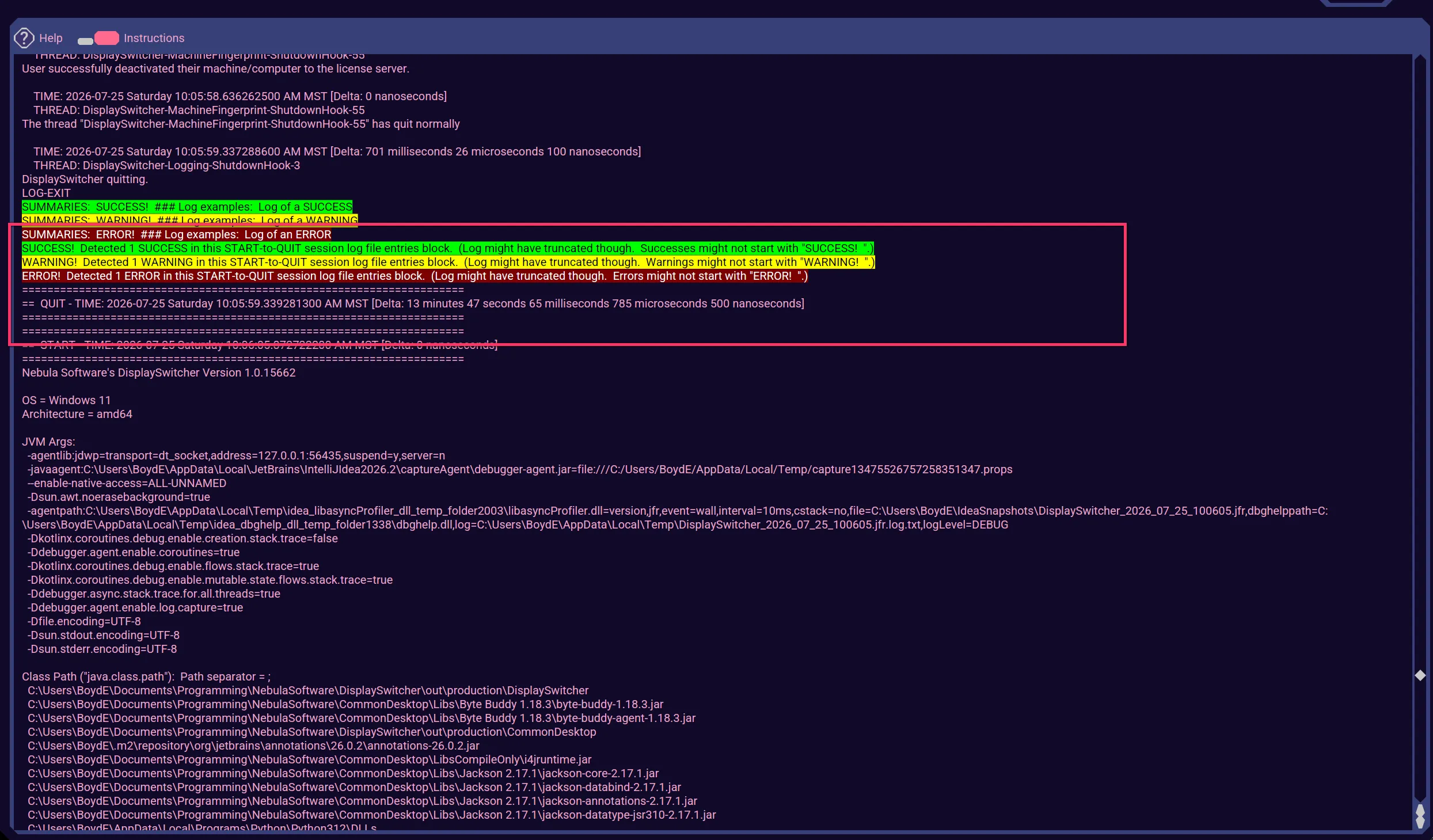
The Nebula Software application log file captures information as the application runs. When the log viewer opens, it scrolls to the end of the log file to show the most recently logged information, including the errors, warnings, successes summary statement.
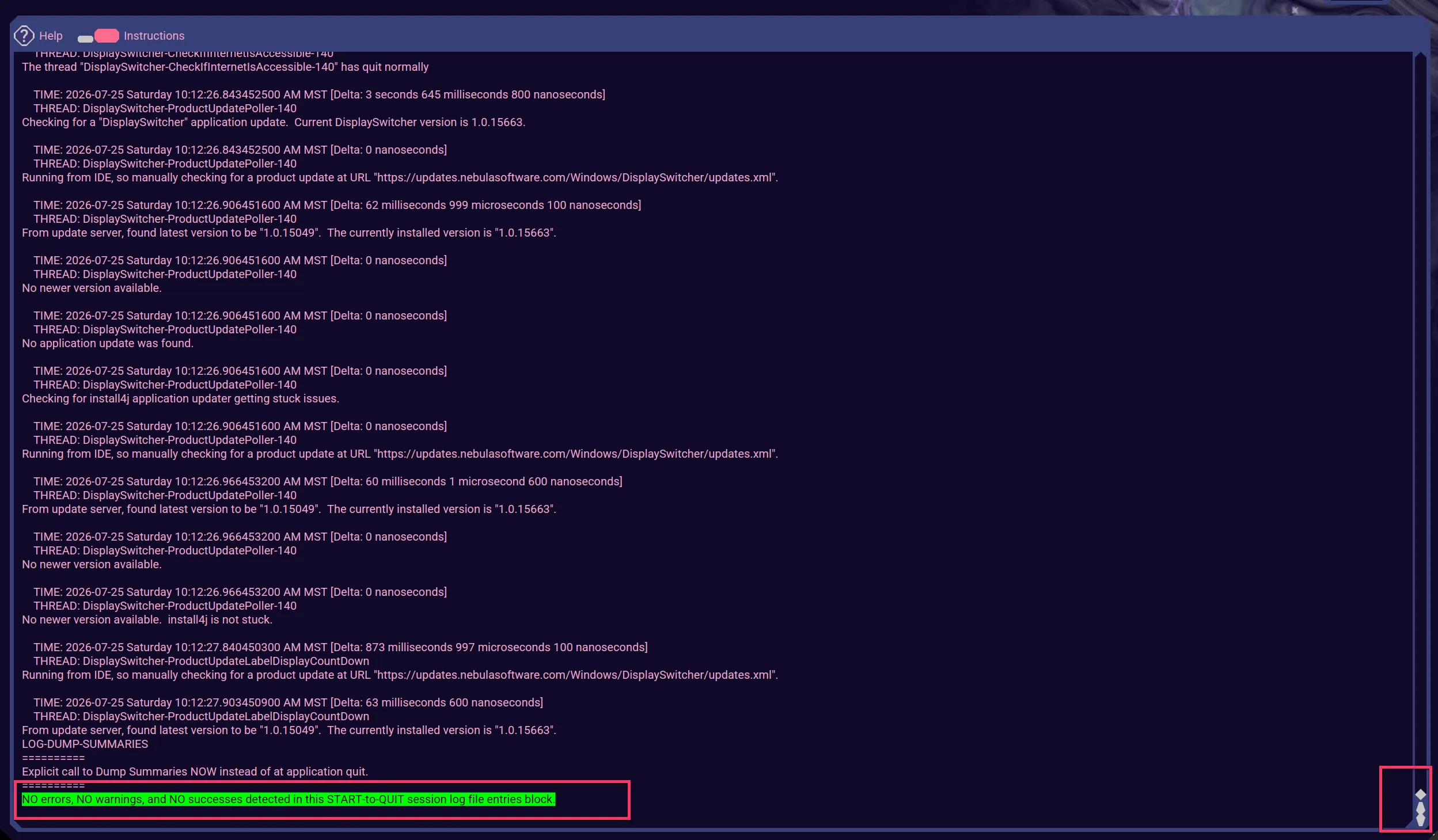
You may scroll through the log and see the errors, warnings, and successes highlighted in colors.
You may also use the Search UI button at the top right to enter text you would like to search for.
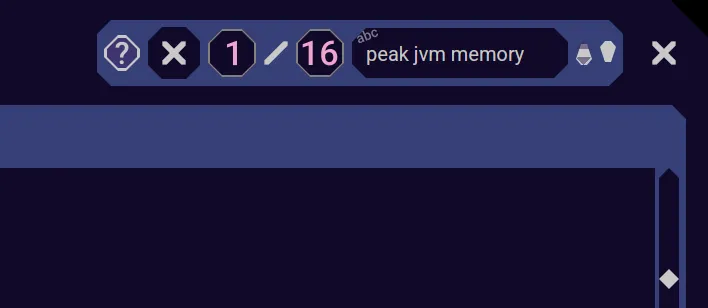
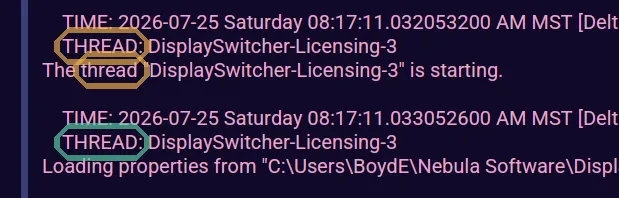
All the textual matches will be highlighted, and as you click on Next or Previous buttons, the current selection will highlight in a different color.
You are not allowed to edit the listing. The listing is a snapshot of the log file and will not live update.
See Also
See Text Field Keys for keyboard hot keys you can use on the text field.
See Right Click Popup for actions you can use on the text field by right mouse clicking on it.