How to use Nebula Software Windows
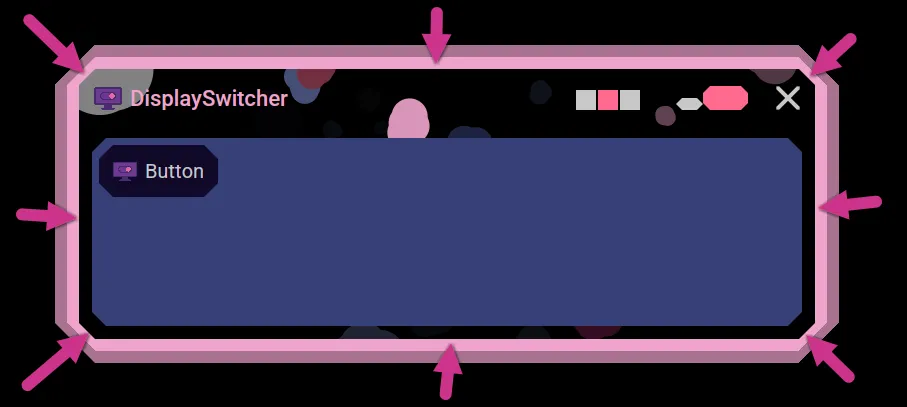
Resize
This outer band is used to resize the window.
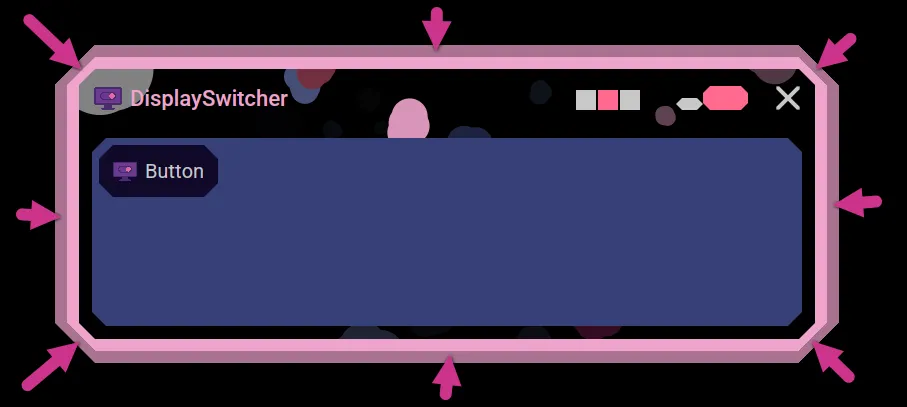
Move
This inner band is used to move the window.
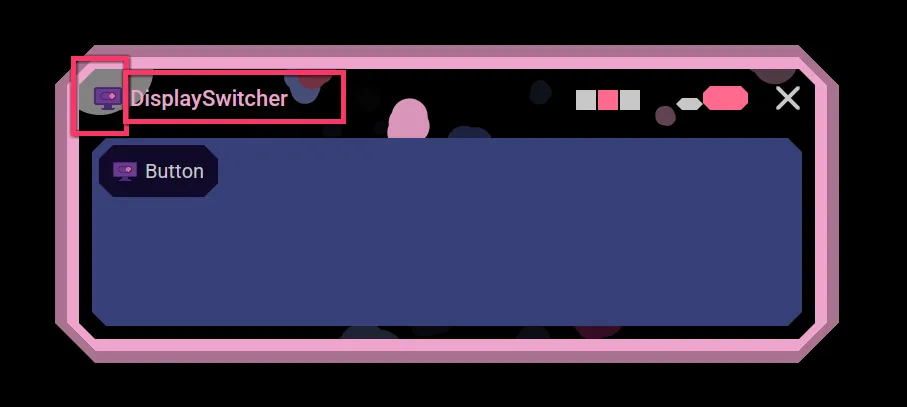
Window's Title
This is the application's logo and this is this window's title.
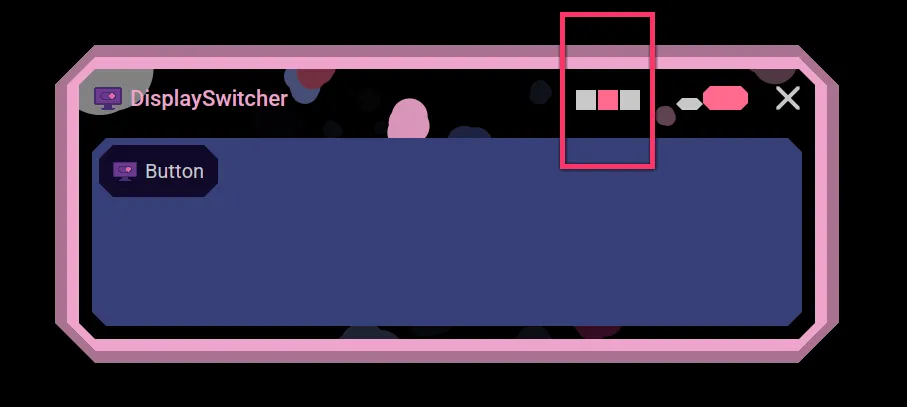
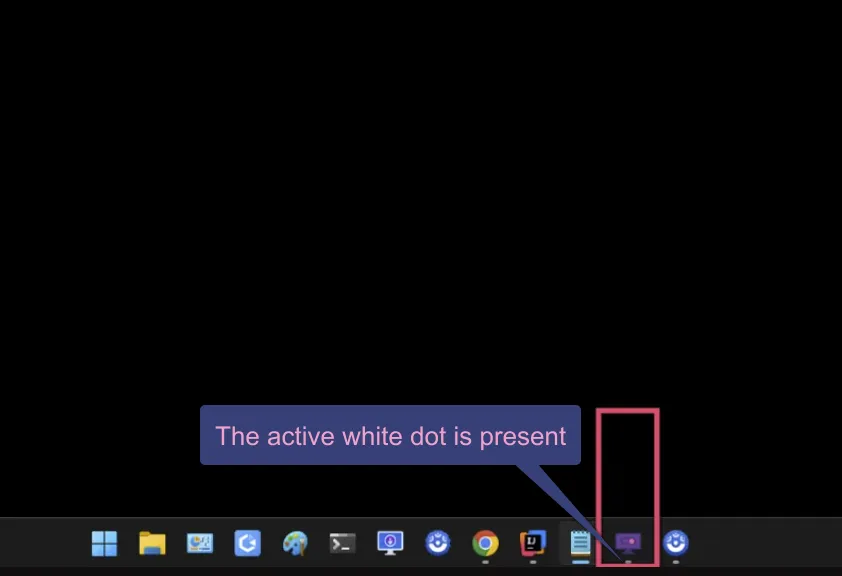
Hide to Dock (Taskbar)
This button will hide the application window and make it active on the Dock / Taskbar.
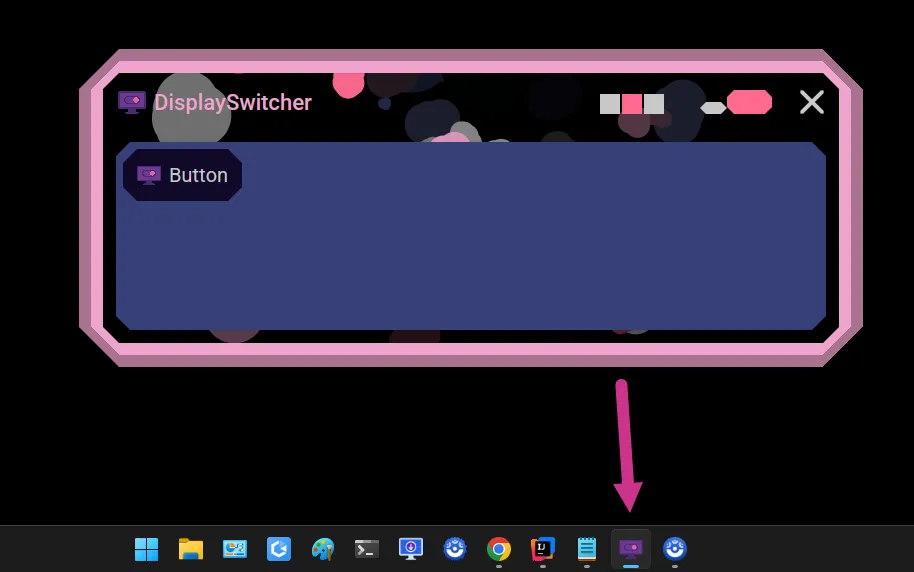
When clicked, the window will hide to its application icon on the Dock / Taskbar.
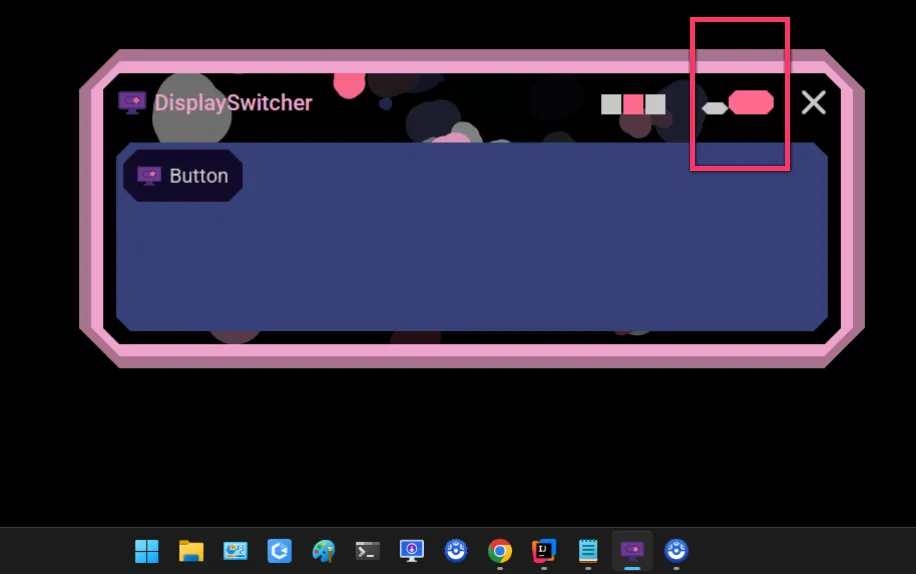
Expand to Full Size
This button will expand the application window to its full size.
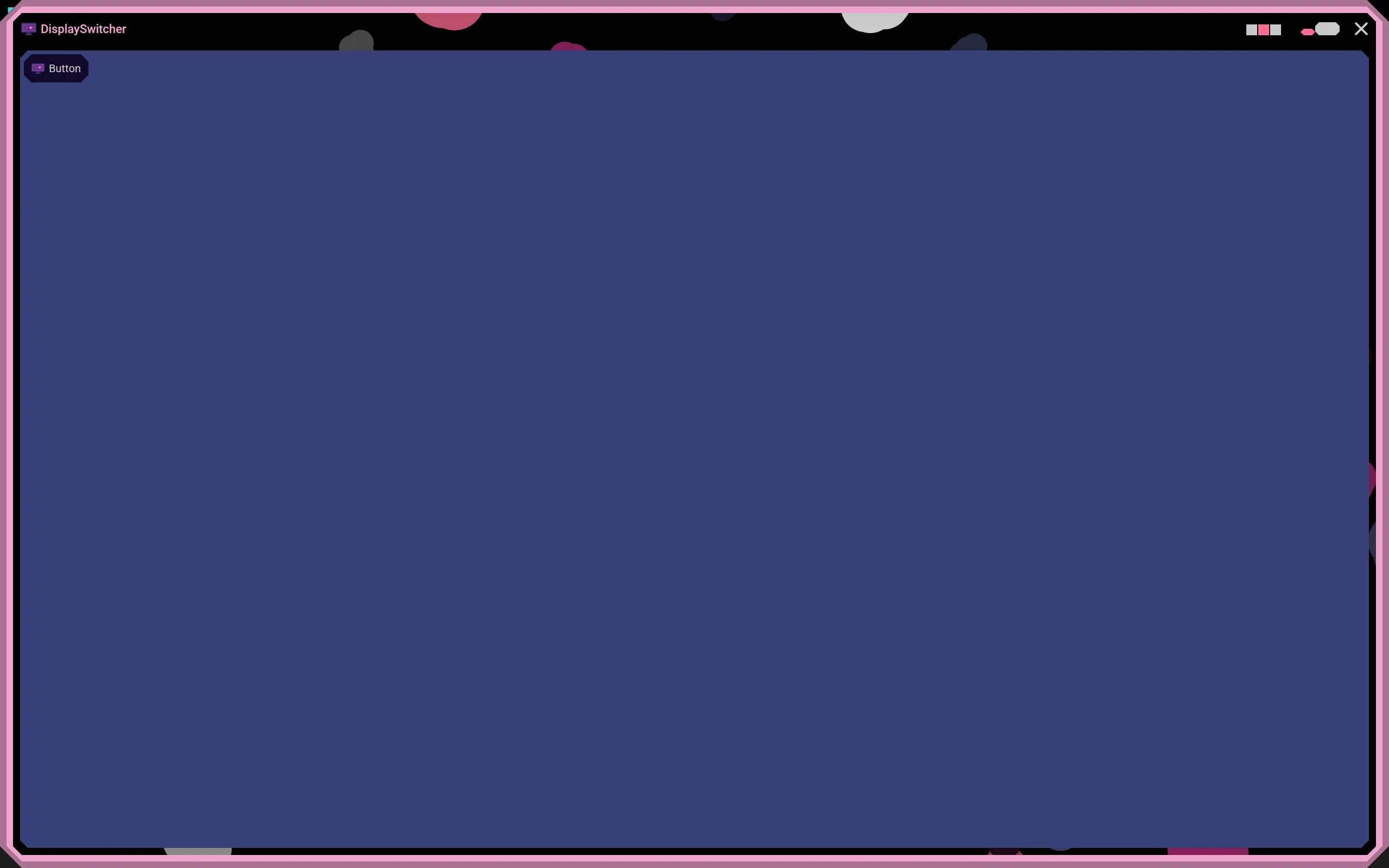
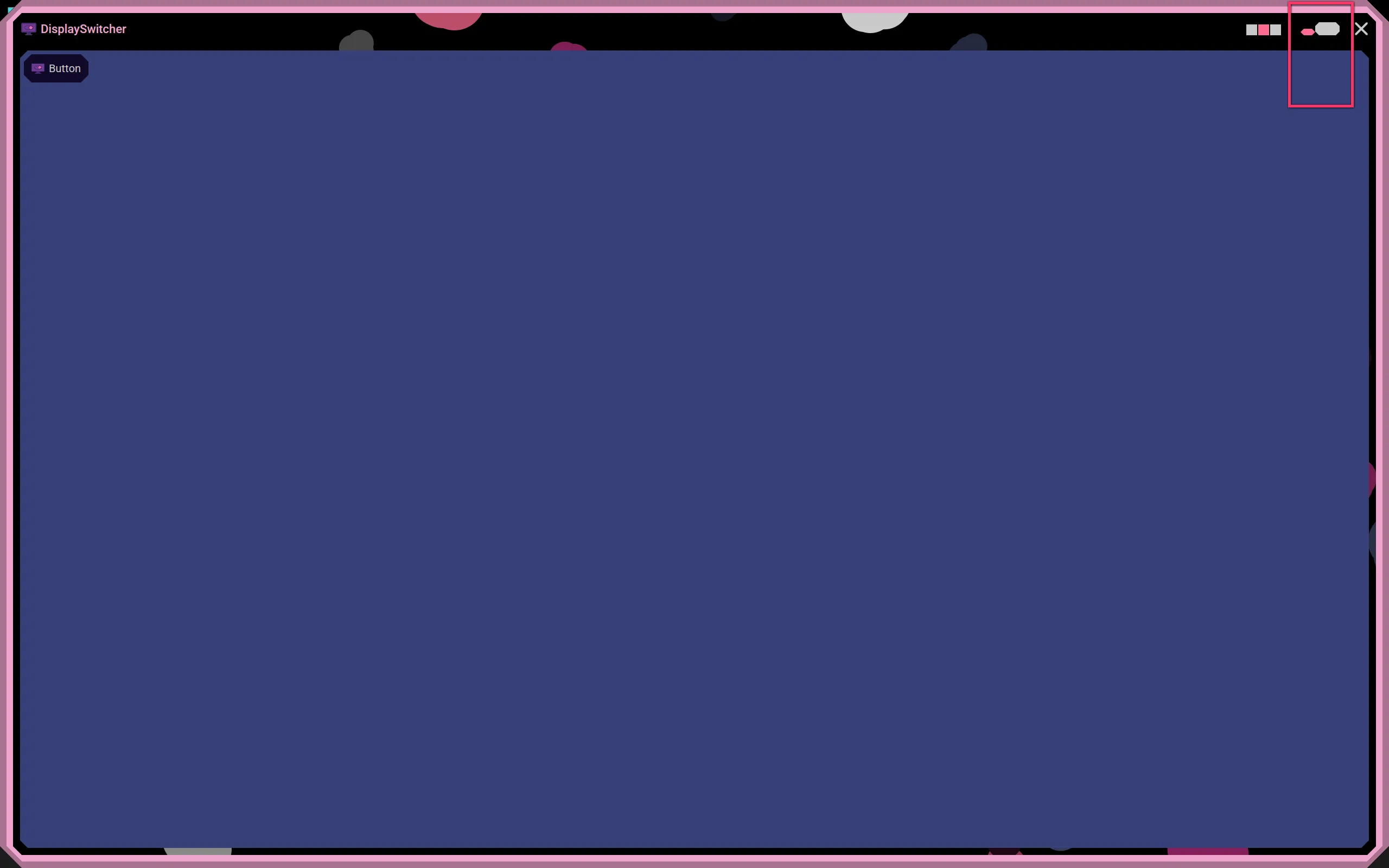
Restore to Previous Size
This button will return the application window back to its previous size and location.
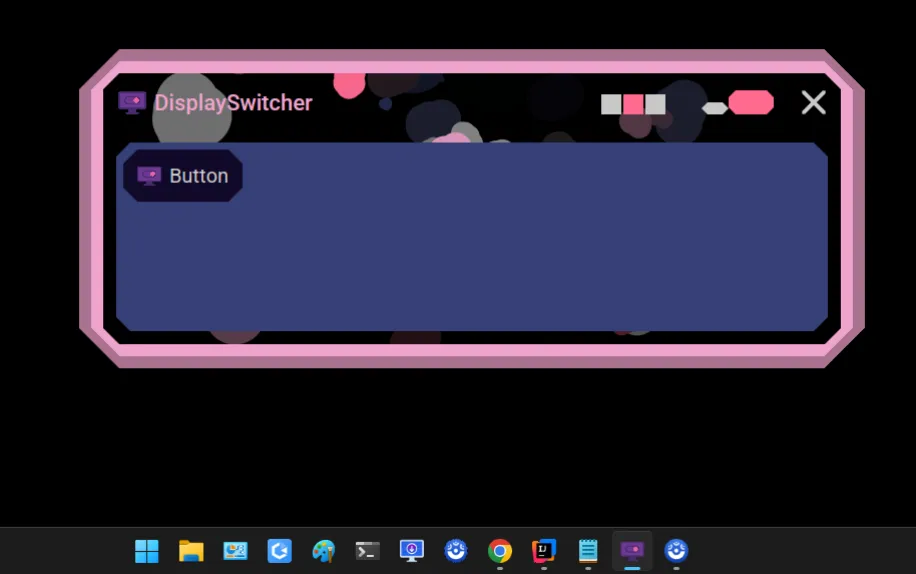
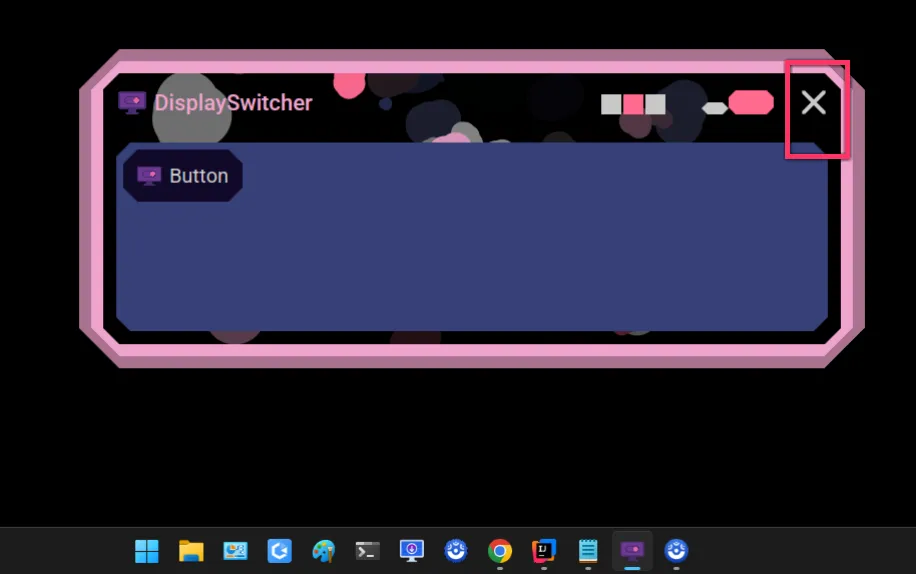
Application Close Button
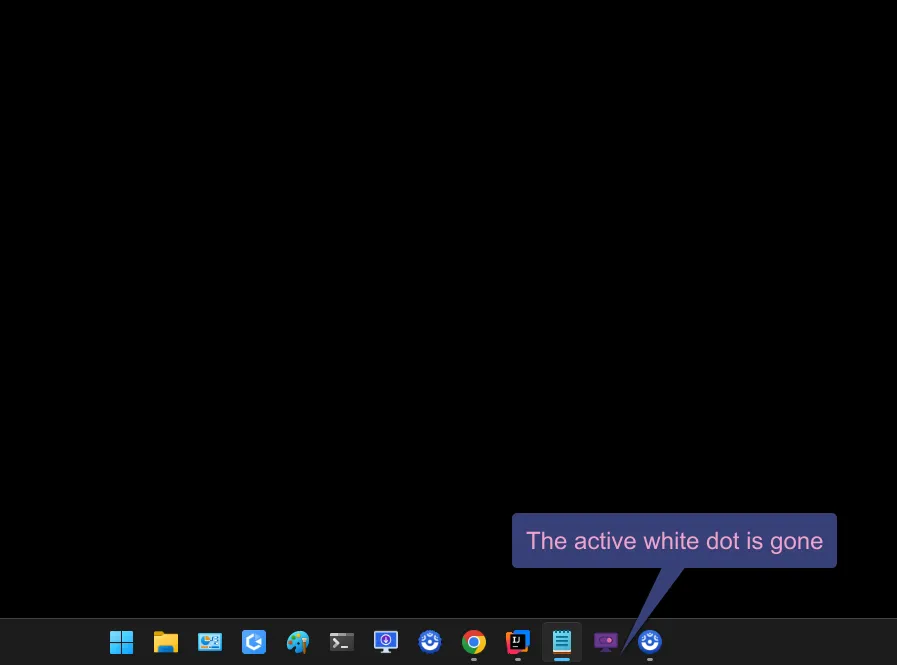
This button will close the application.
Tooltips
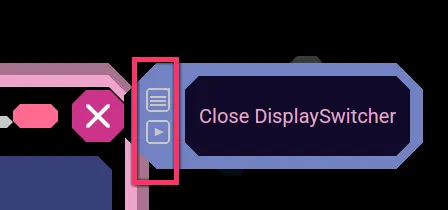
Hover the mouse over an item, like a button, and sometimes it will have more information shown via a tooltip. Here we hovered over the application close button to get its tooltip.

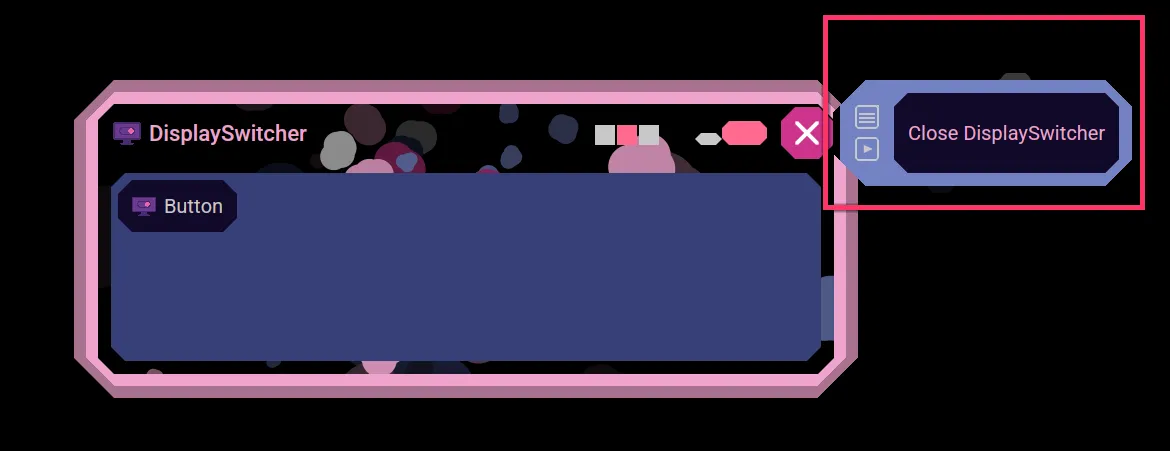
Some tooltips will optionally show a document and or video button that will open a document or video in your webbrowser to learn more about the tooltip item.