Contact Support
Contact Nebula Software Support
Need help? Something else? Contact Nebula Software Support by following these steps.
Step 1
Save your Support Archive. (Contains your application log file.) This will be a file named Support.zip that you temporarily save on your computer. You will upload it later below to the Nebula Software Contact Support web page.
In the application's Help area, click the Save Support Archive button.
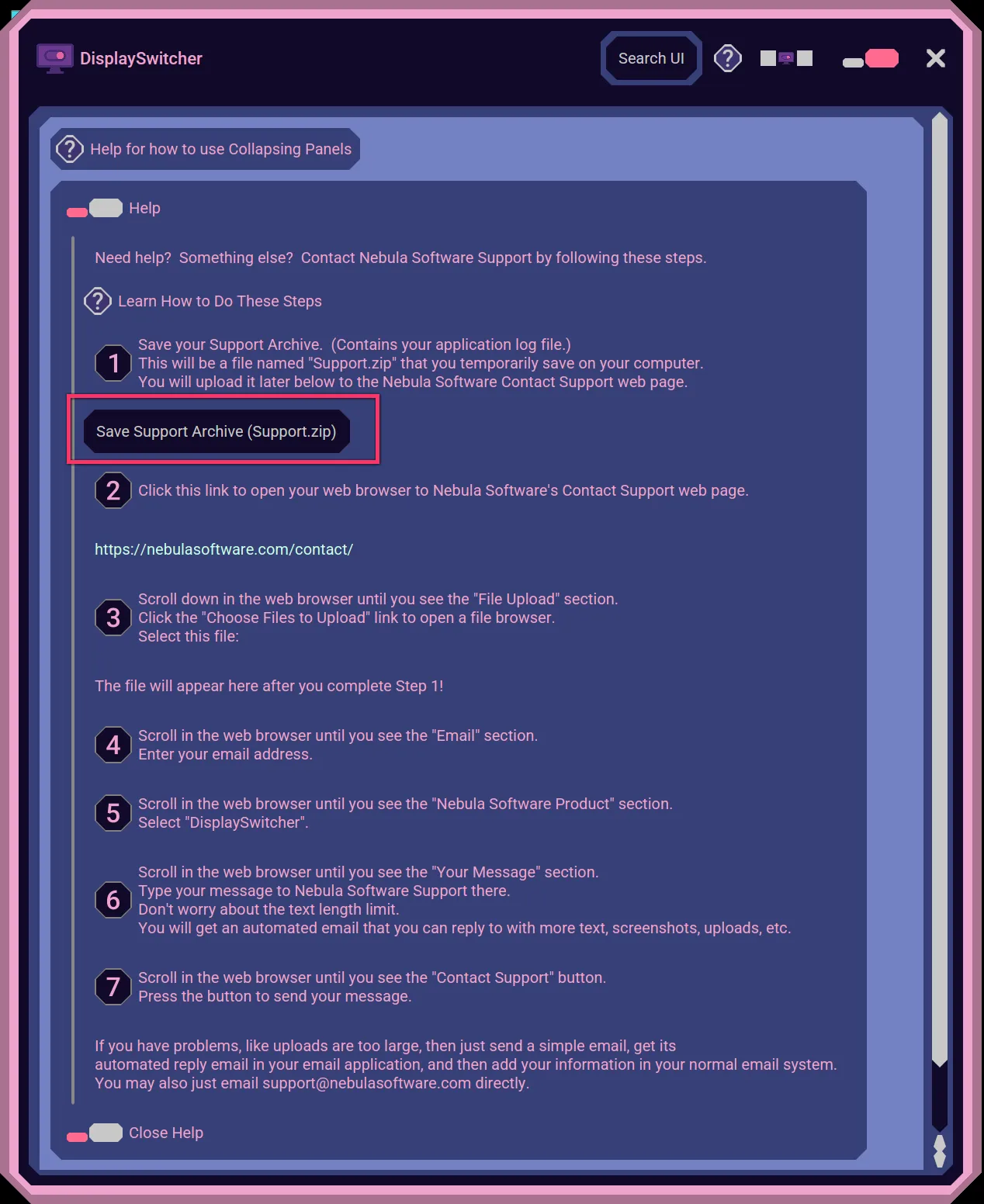
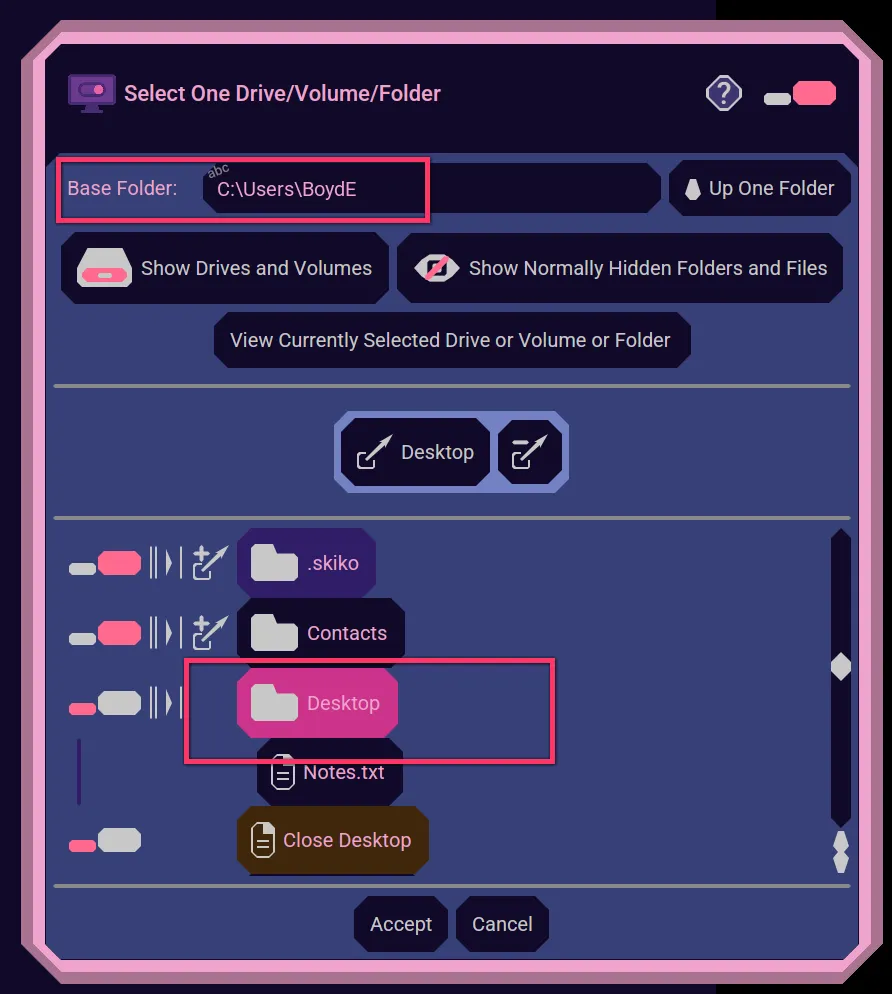
Save Support.zip to a location of your choice, like your Desktop.
Step 2
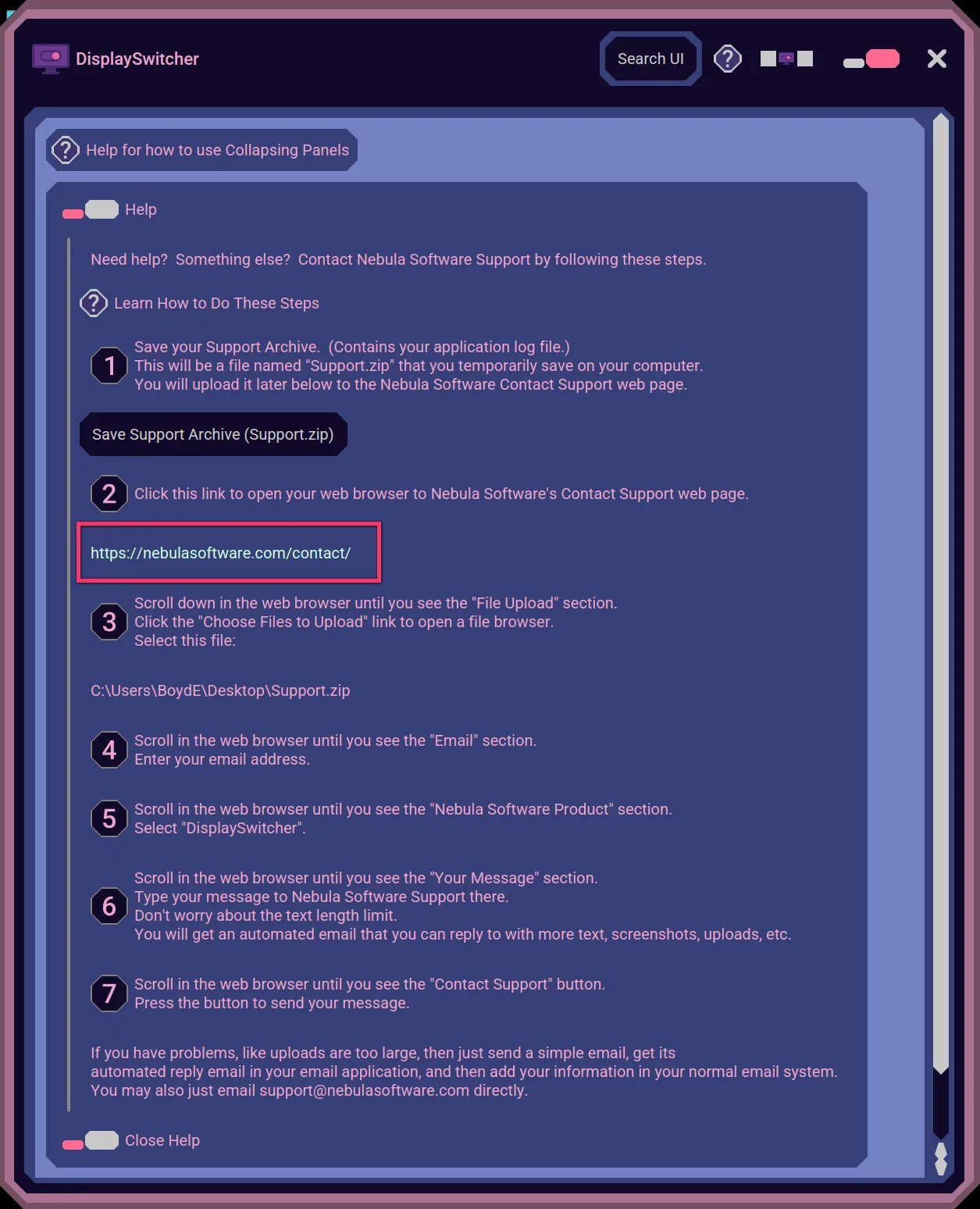
In the application's Help section, click the hyperlink to open https://nebulasoftware.com/contact in your web browser.
Step 3
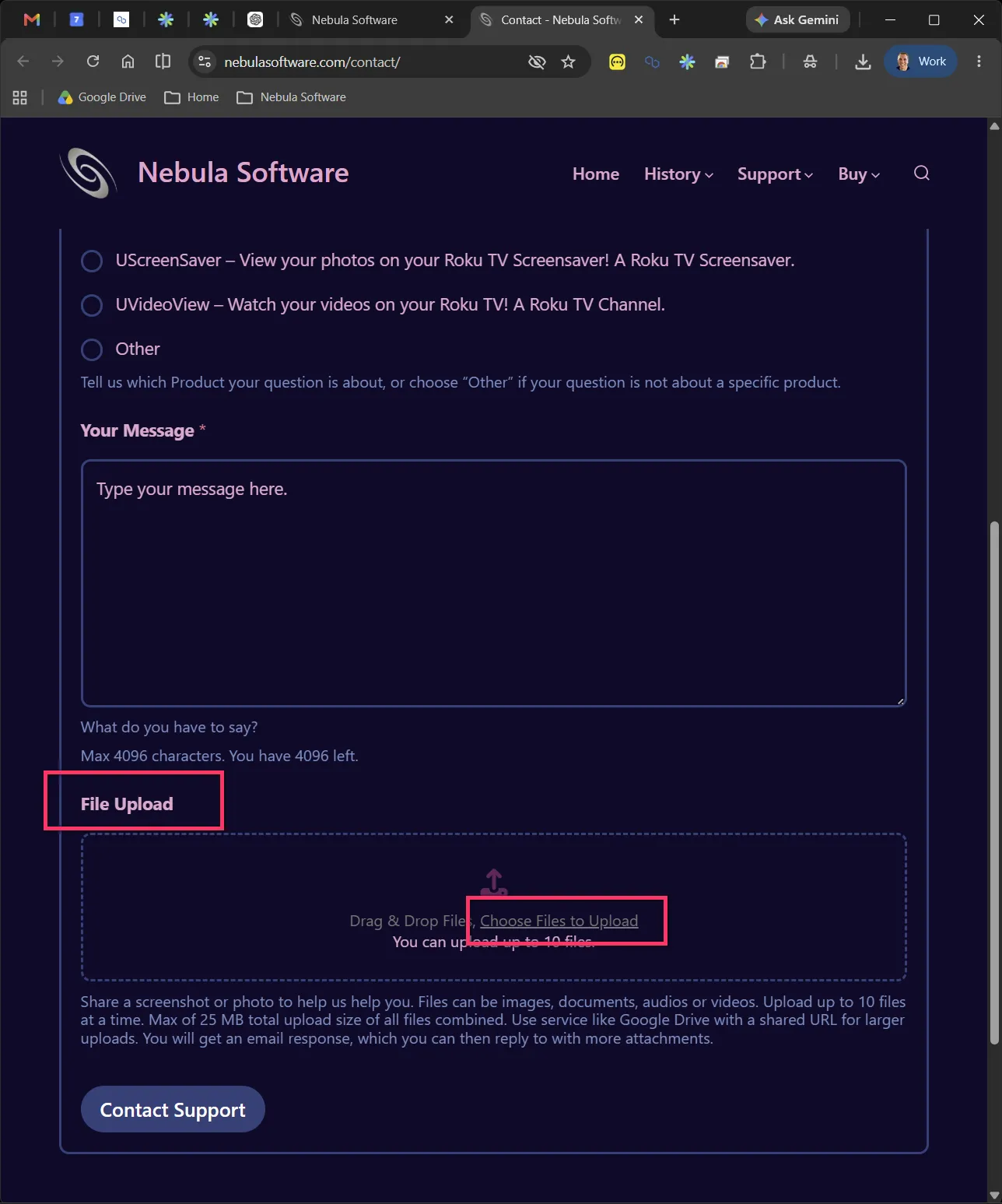
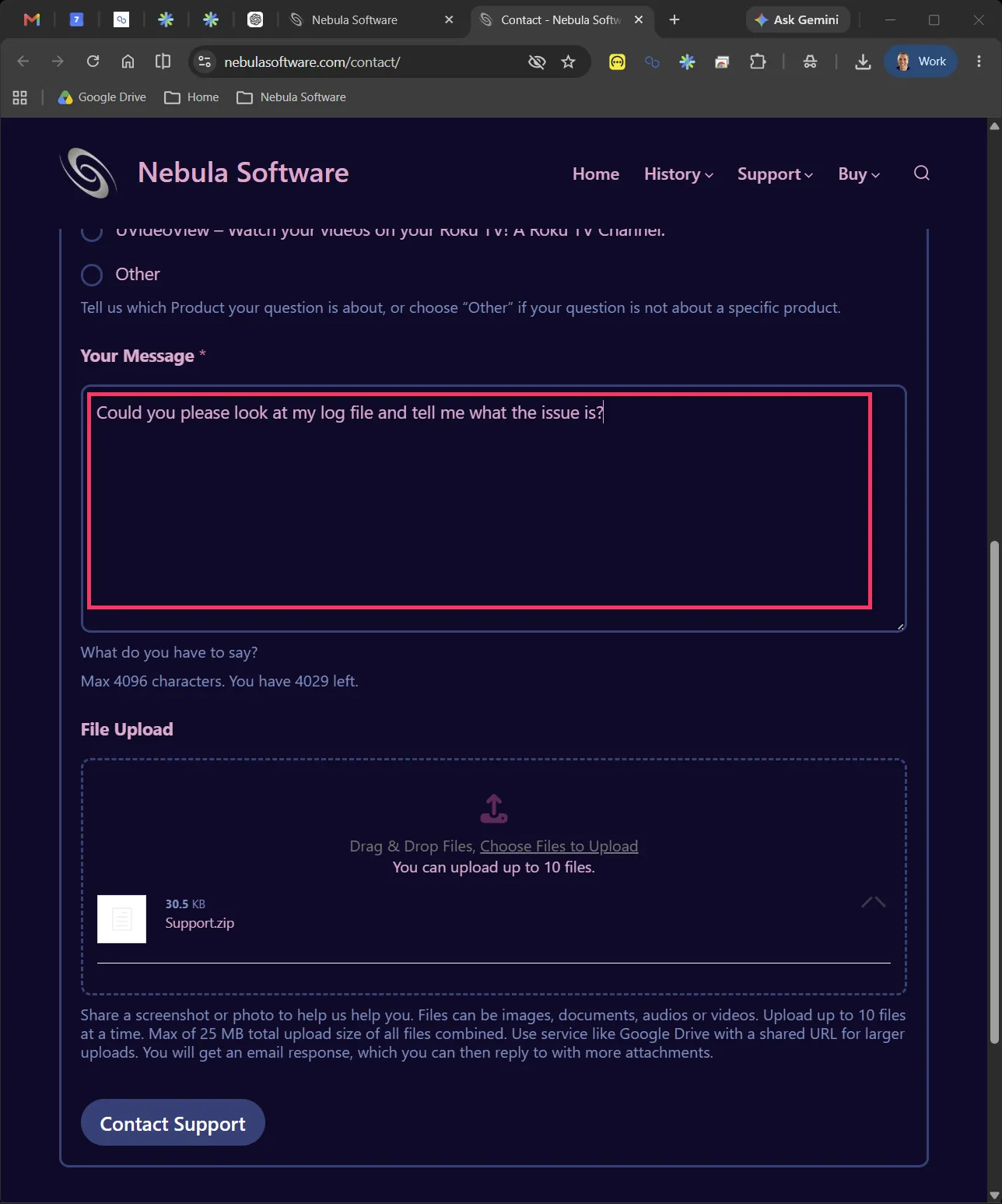
Scroll down in the web browser until you see the File Upload section. Click the Choose Files to Upload link to open a file browser.
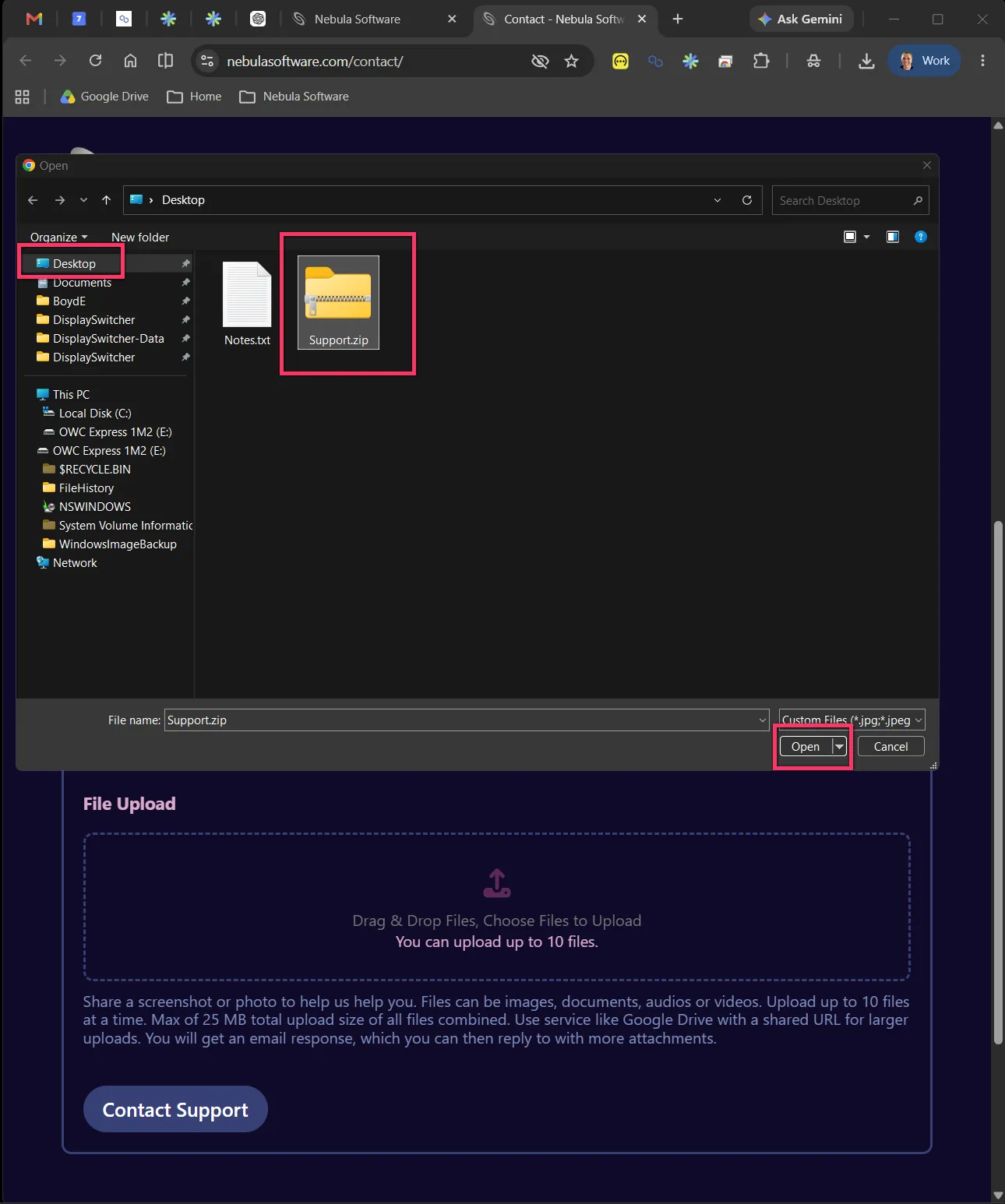
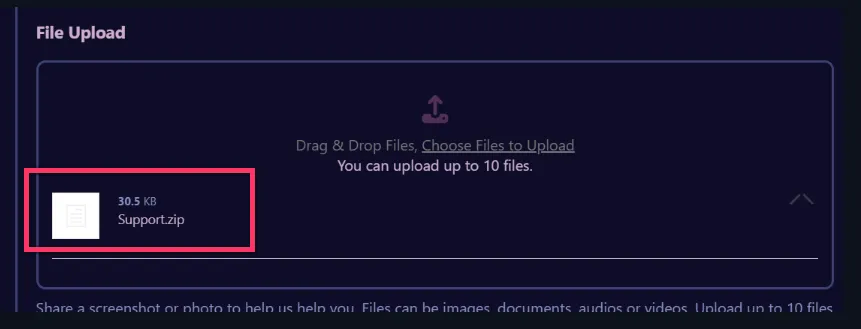
Select the Support.zip archive you created earlier.
Step 4
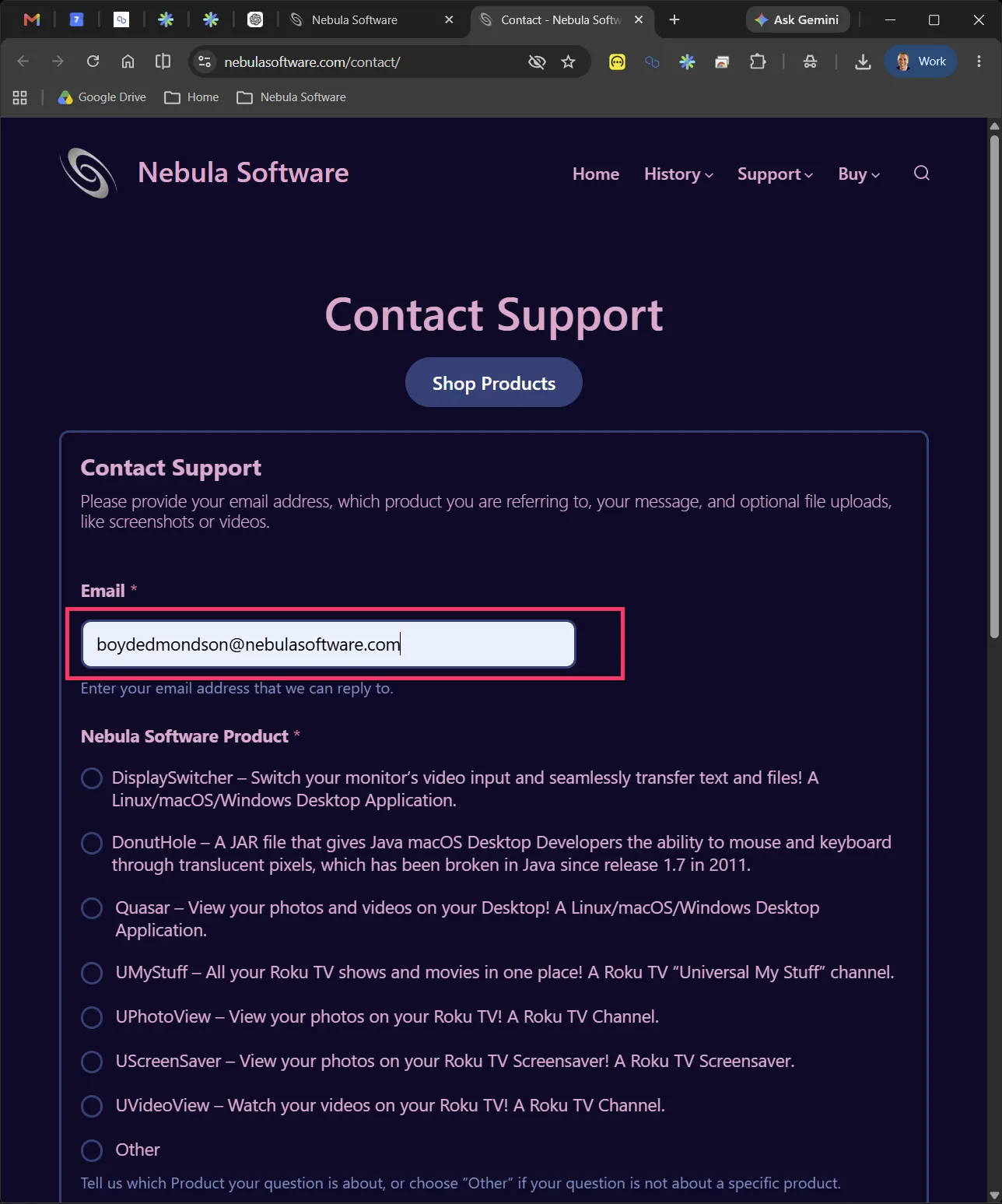
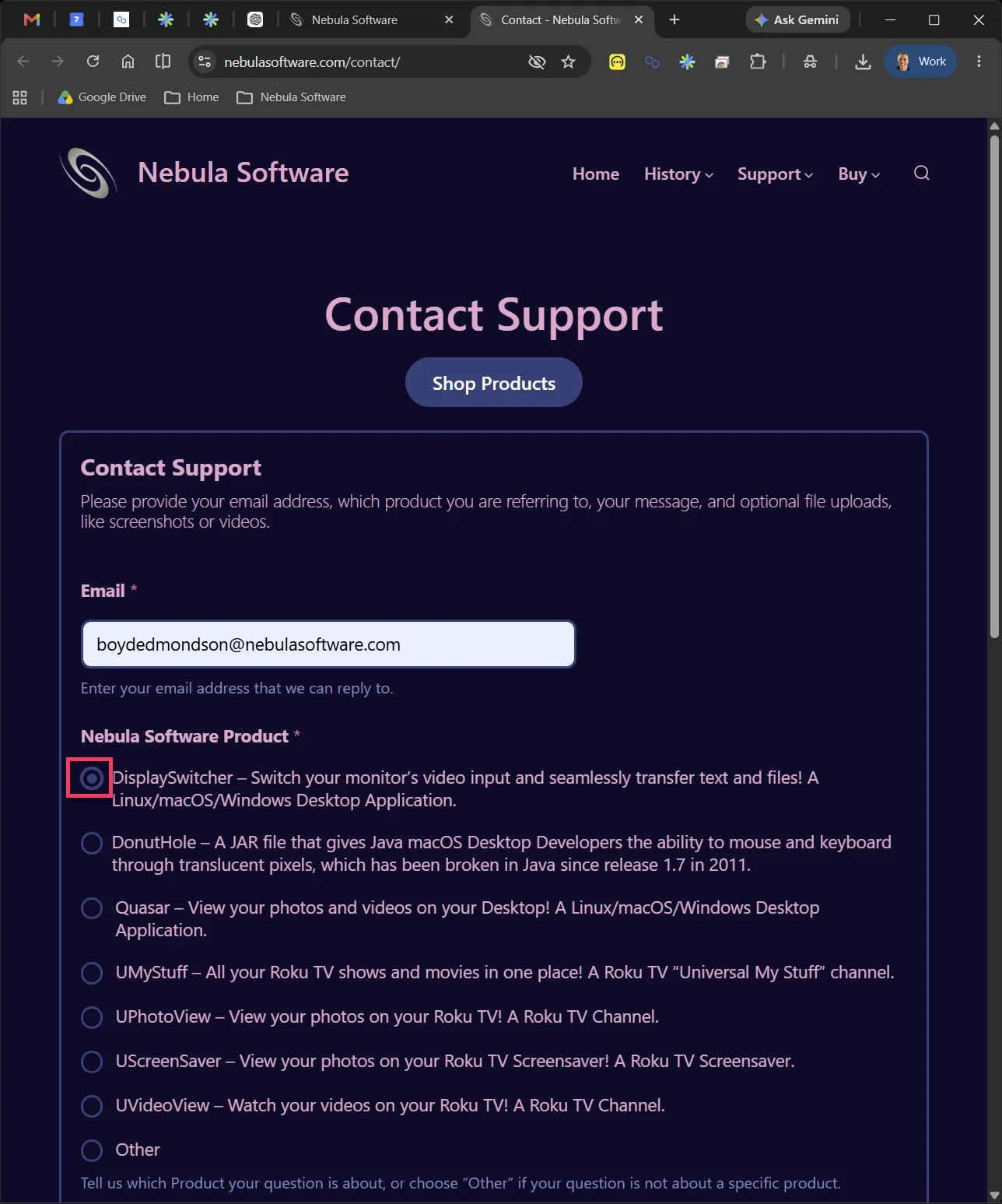
Scroll in the web browser until you see the Email section. Enter your email address.
Step 5
Scroll in the web browser until you see the Nebula Software Product section. Select the Nebula Software product you are asking to have support on. For example, DisplaySwitcher or Quasar.
Step 6
Scroll in the web browser until you see the Your Message section. Type your message to Nebula Software Support there. Don't worry about the text length limit. You will get an automated email that you can reply to with more text, screenshots, uploads, etc.
Step 7
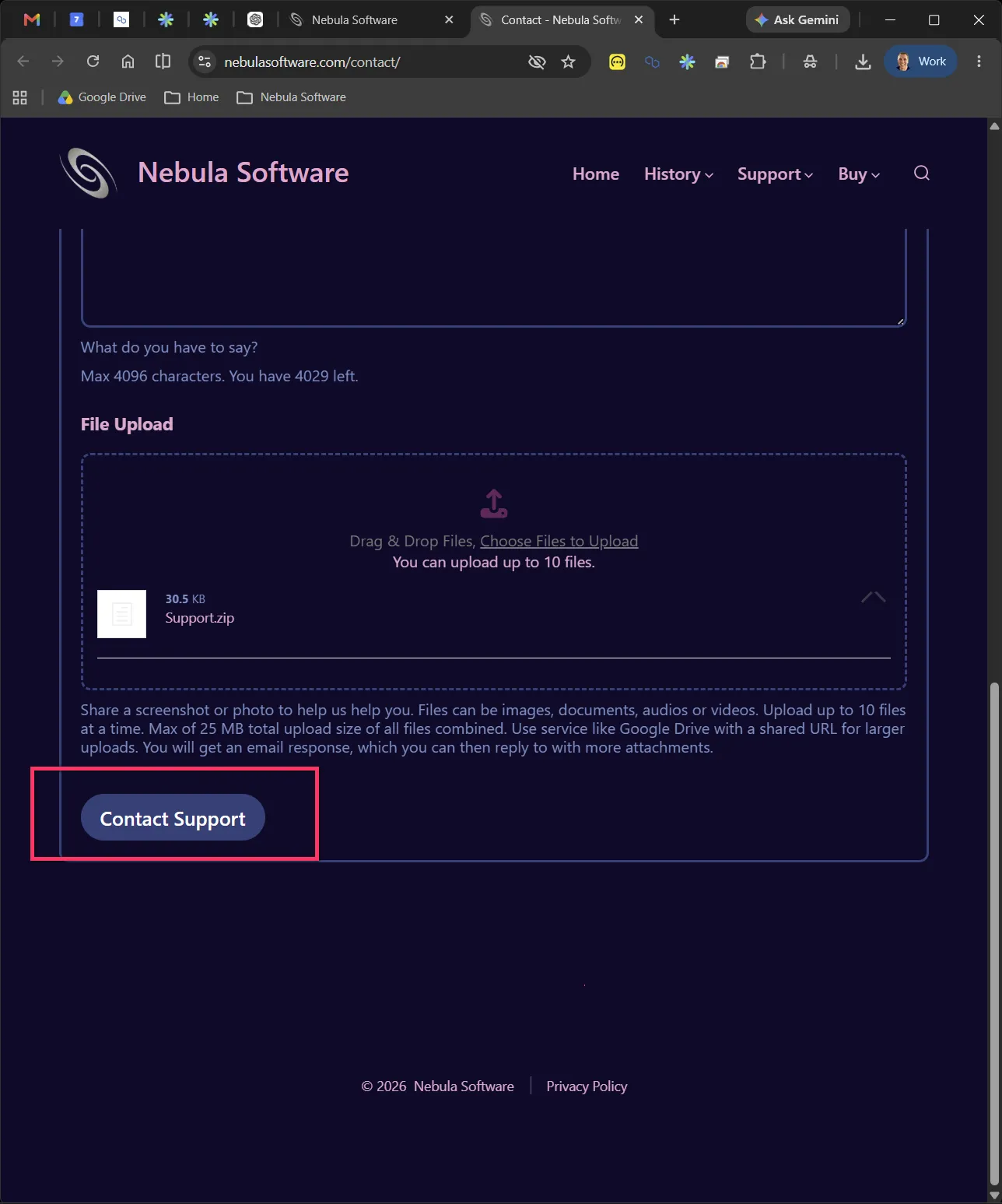
Scroll in the web browser until you see the Contact Support button. Press the button to send your message.
Problems?
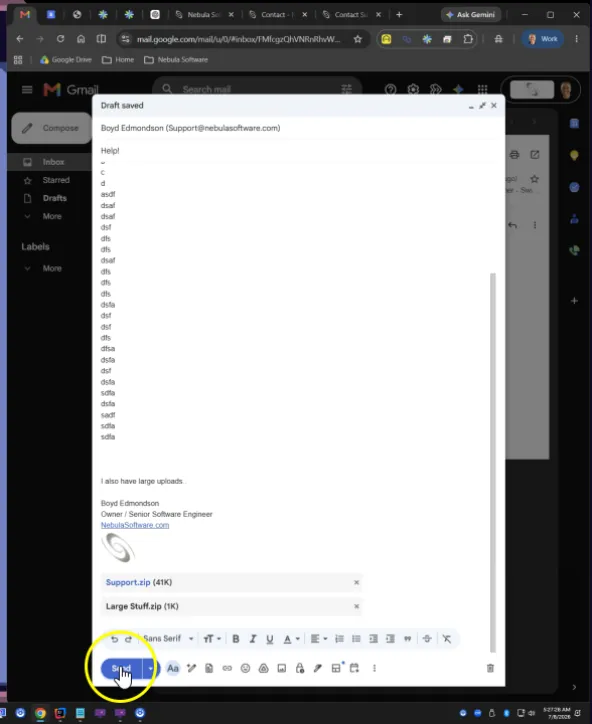
If you have problems, like uploads are too large, then just send a simple email, get its automated reply email in your email application, and then add your information in your normal email system. You may also just email [email protected] directly.