Take a Window Screenshot
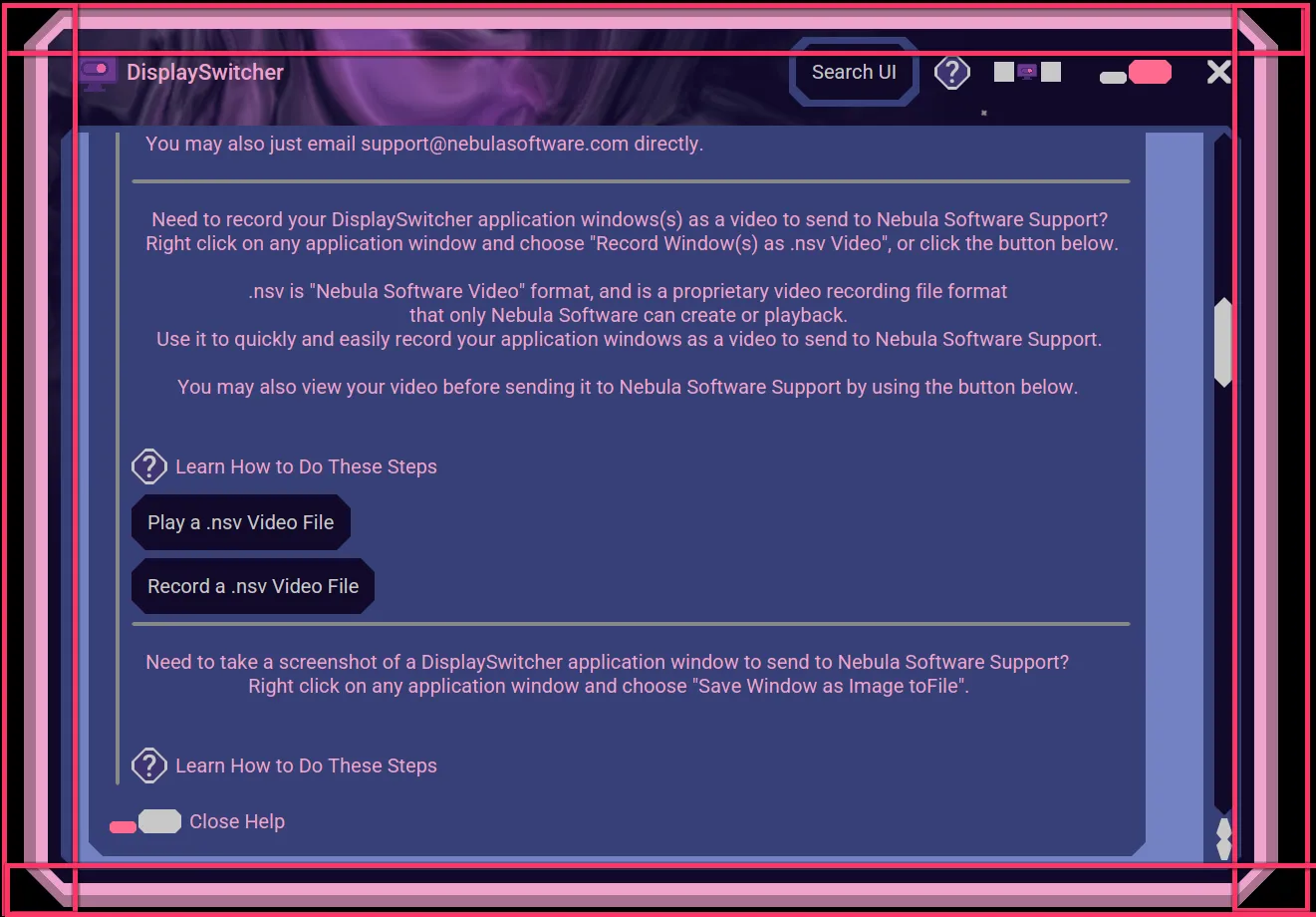
Here is how you can take a screenshot of any Nebula Software application window. Right click on the resize or move bands of any Nebula Software window to have the right click popup appear.
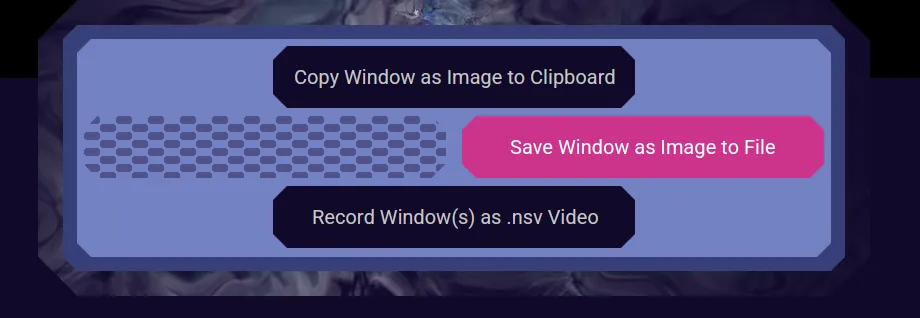
Select "Save Window as Image to File".
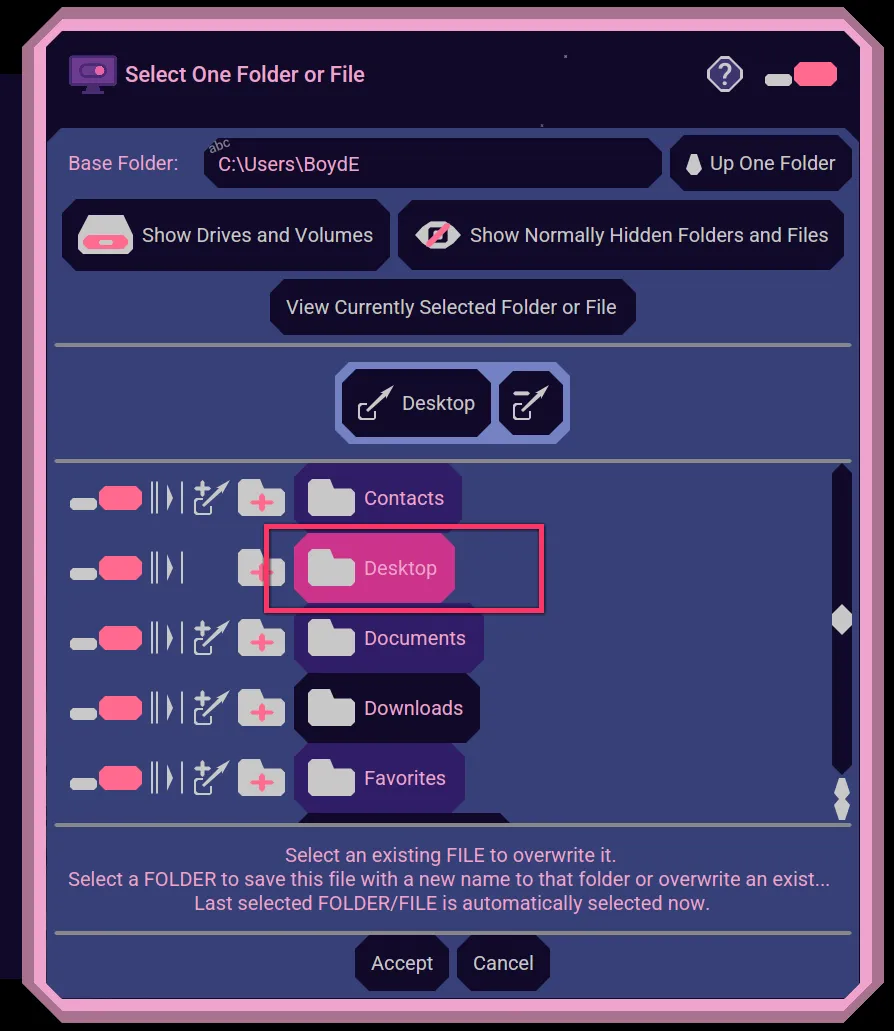
A File Chooser appears for you to specify the folder you want to save the screenshot to. Or you can select an existing file to overwrite. Here we choose our "Desktop" folder.
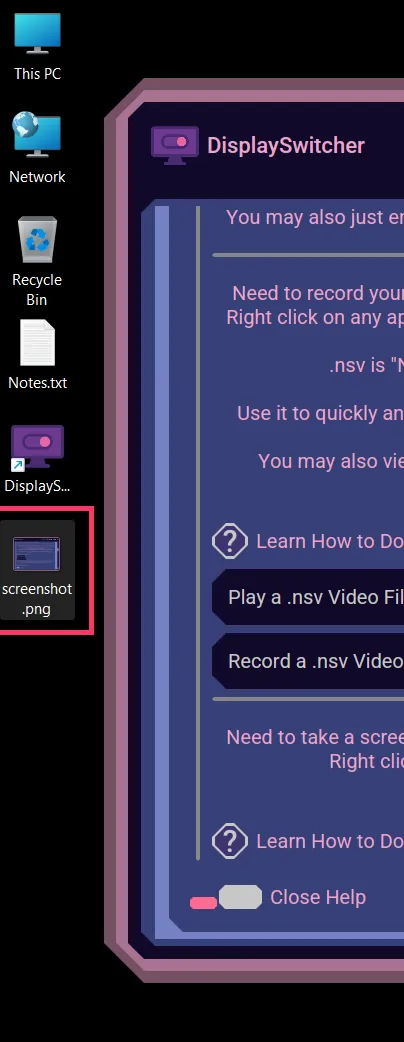
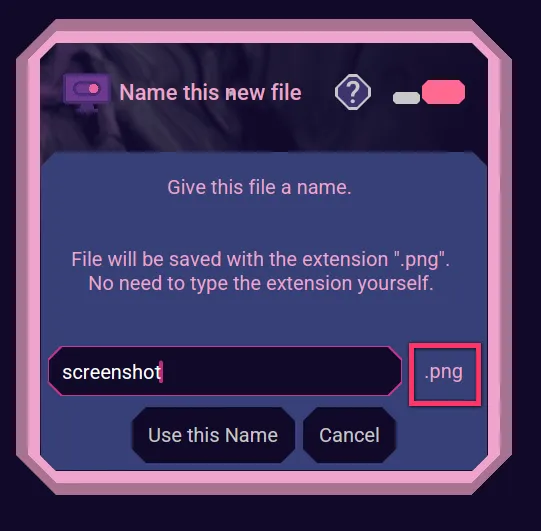
When typing the name of the file, you don't have to type the ".png" extension. Here we name it "screenshot".
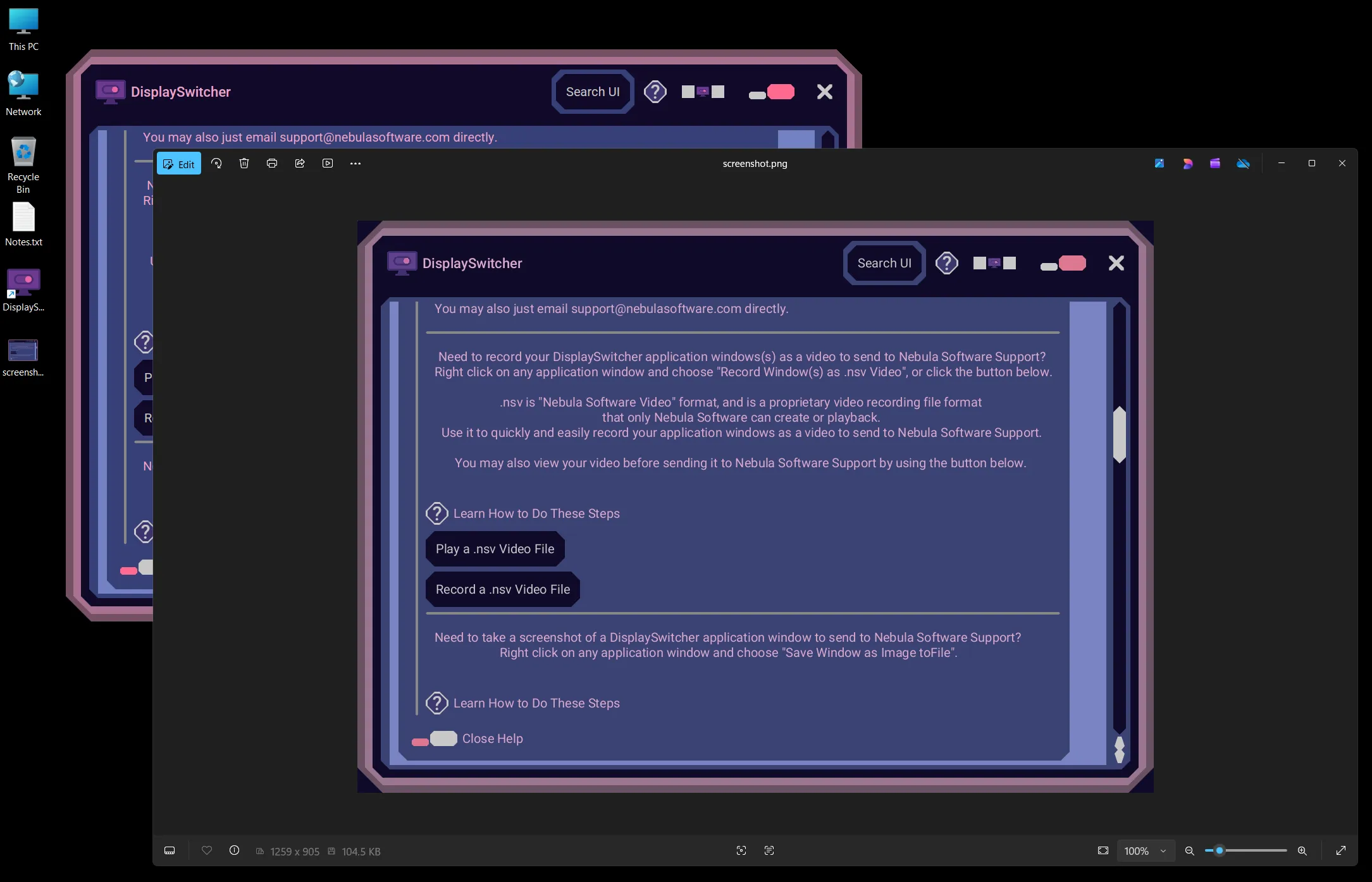
After it is saved, you may open it to inspect it before emailing it to Nebula Software Support.